Delta Bereavement Fares 2026: The Complete Guide to Compassion Travel
The death of a loved one is one of the most challenging experiences in life, and sometimes there is need to travel instantly to attend a funeral or he...
13 Mar 2026
Read More
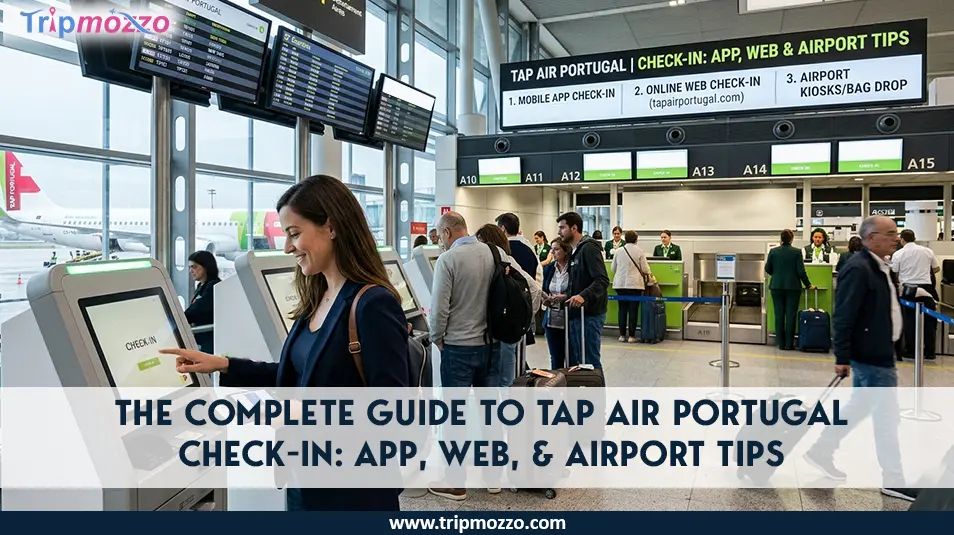
Table Of Content
Making your plans with TAP Air Portugal? A hassle-free check-in process will ensure that you start your trip with much less stress. Travelers are provided with various convenient solutions to choose between checking in via the mobile application, on the Web, or at the airport by the TAP Air Portugal. All these approaches have their timing, requirements, and tips that can save time and help you not to be surprised at the last minute. This ultimate check-in guide to TAP Air Portugal will guide you through the steps of checking in through the app, the web, as well as at the airport counters, and some of the tips to follow when departing without any hassle, start to finish.
Checking in to TAP Air Portugal is easy and can be achieved by a number of easy ways, based on what suits your travelling schedule. The airline allows its passengers to check in electronically via the internet on its web page, via the TAP Air Portugal mobile application, or in the airport using self check in kiosks or check in desks.
Online and app tap check in are typically open 36 hours before departure and will also enable you to select your seats, add baggage, and download or print your boarding pass before you arrive at the airport. When you wish to check in in the airport, then remember to be early enough so that you can have time to do security and leave baggage. Making the correct choice may allow you to escape time wastes and embark on your trip without any hitches.
Online check-in service is one of the easiest services of TAP Air Portugal, and it allows passengers to check their flights, reserve their seats, and even receive a boarding pass without visiting the airline desk. The online check-in helps passengers to save time in the airport and easy handling of their booking prior to flying. The process can be done either via the TAP Air Portugal site or via the mobile application.
While TAP is efficient, different carriers have unique digital requirements; see our guide on how to find your flight number if you are having trouble retrieving your booking.
For tap check in online using the website one needs to follow the few simple steps mentioned below:
You can avoid the long queues in the airport by using the tap online check in feature in the mobile application or web site and go directly to the security or baggage checking point. It is a fast and easy way of getting the beginning of your trip easier and more structured.
There are a few documents and details that must be at hand before you check-in to your TAP Air Portugal. The right information being ready beforehand assists in acceleration of the process in both online check-in, and airport checks. This reduces the possibility of delays during boarding or security checks.
The following are the key items you will require to have a hassle-free TAP Air Portugal check-in:
To retrieve your reservation you will require your booking reference or your ticket number. This special alpha-numeric identification enables the airline system to locate your booking to enable you confirm your flight and process the check-in system online or at the airport.
At check-in, the passengers are required to produce a valid passport or government issued identification. A valid passport is required for all international travel; ensure it meets the entry requirements of your destination. Ensure the name on your ID matches your ticket exactly; if you notice a typo, follow the airline name change process immediately to avoid being denied boarding.
You might require an authentic visa, or other entry permits according to your airport of destination. You should also check the travelling rules and regulations of your destination ahead of time so that you do not miss out on the required documentation upon checking in.
After you do check-in using the site or mobile application, you can either print or download a digital boarding pass to your phone. When checking in at the airport, you can be issued with a printed boarding pass at a self-service kiosk or an airline counter.
Vaccination records, health declarations, or other travel certificates may be needed in some places of destination. When necessary these documents should be provided at check-in or boarding.
In case you want to have some luggage with you, make sure that the size and weight limit of your luggage is within the airline limit. In many airports, self-service bag drop kiosks have been established after a passenger undergoes an online check-in to ensure that the process takes less time. Traveling with family requires extra prep; check the specific infant policy to see if your stroller or car seat counts toward your baggage allowance.
Having this information ready will allow preparing your tap air check in faster and prevent any issues with a proper beginning of your trip.
Online check-in is convenient, but there are still a great number of passengers who wish to obtain the TAP Air Portugal check-in in the airport. The airline also has a variety of services, such as the traditional check-in counters, the self-service kiosks, and the premium check-in services. The options prove particularly useful when one is a traveler who requires the assistance of the services, has special travel documents to verify, or is carrying baggage.
The conventional method of clearing your check-in is by the airport check-in counters, with the assistance of the airline personnel. This alternative can be helpful when a passenger requires assistance in making changes to the booking, special request, or checking documents. Checking in at the airport counter involves the following steps:
Self-service kiosks offer a more independent and faster option of checking in at the airport. Such machines enable the passengers to do the process without having to wait in long queues at the counter. Checking in with the help of a self-service kiosk follows the following procedure:
Kiosks allow you to reserve your seats or change your current assignment if a better row has opened up.
Another service proposed by TAP Air Portugal is the premium check-in service to select passengers, such as Business Class and the most loyal members of TAP Miles&Go or Star Alliance Gold members. This service offers a special check-in service at key airports such as the main hub of the airline in Lisbon. Premium check-in enables the traveler to save time that can be wasted in long queues and offers faster service, as well as priority baggage handling which makes the journey at the airport more convenient and hassle free. Frequent flyers can often skip the lines by booking business class or using points for a seat upgrade before arrival.
The passengers who have checked in either through the mobile app or online can go to the baggage drop-off location to drop off their luggage and skip the full-service check-in line and use the convenience of a shorter check-in time. The baggage drop facilities are opened approximately three hours before the departure, though baggage should be dropped two hours before the flight, 60 minutes before the flight since after that, the check-in counters are closed.
Customers are able to hand over their bags using specially assigned TAP Air Portugal desks or self-checking points. Firstly, at kiosks, print baggage tags and fix them on your suitcase and place the bag at the drop station. Passengers with Plus fares or any of the Star Alliance Gold members of the Business Class passengers can use special priority bag drop counters in some airports such as Lisbon and Porto to receive a quicker service.
It is essential to know the check-in time of TAP Air Portugal so that you would not miss your flight. The airline offers a variety of options to check in online and via the mobile app or at the airport, however, each of the options has its own time of opening and closing. The passengers are advised to do the process early and show up to the airport with ample time to carry out security checks and boarding processes. Always check for regional alerts, such as the GCC flight cancellations, which can cause longer-than-usual wait times at the airport.
TAP Air Portugal allows passengers to check in before reaching the airport. This alternative is convenient and it contributes to less waiting time at the terminal.
In the event that you have to check in at the airport or you have to leave luggage, then you need to know the closing time of the check in counter.
Passengers have to consider traveling to the airport early to have a comfortable journey:
Being there early will ensure that you have time to finish the check-in, baggage dropoff, security and get to the boarding gate without having to be stressed over it.
The process of checking in on your TAP Air Portugal flight can be a stress-free and easy one provided you do it in advance. The following are three tips that can be used to make the process faster and easy:
Check-in is quickest through the use of the TAP site or application on the mobile. You are able to choose your seat, baggage, and even a digital boarding pass without having to stand in queues at the airport. In case of flights to and from the United States, it is important to remember that online check-in is open 24 hours before the departure date and in other cases, online check-in is open 36 hours before the departure date.
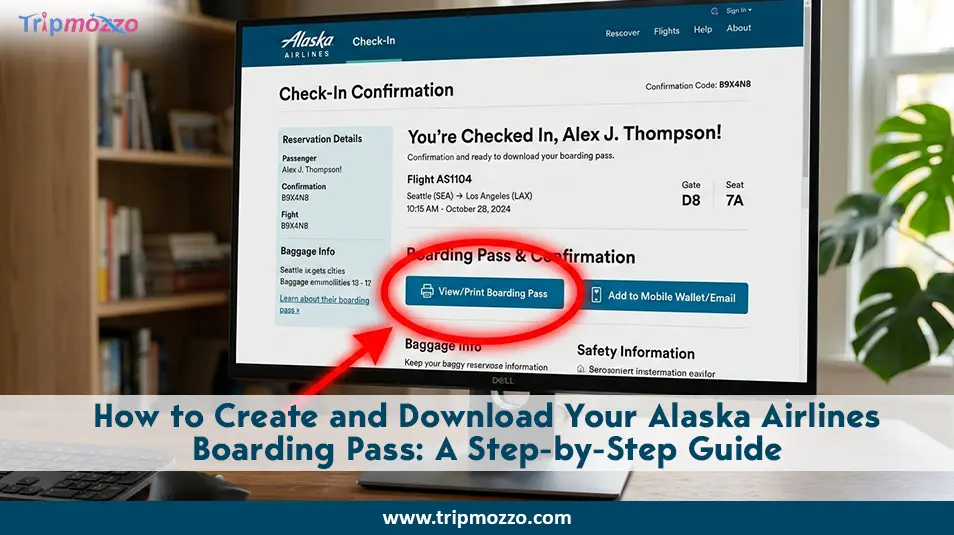
Digital check-in is becoming the standard for major carriers; if you often fly with other airlines, you may also find our guides on how to download an Alaska Airlines boarding pass or an Air Canada boarding pass helpful.
You need to carry your booking reference, passport/ID, visas, and any other health documents that you may need before the process of the check-in begins. Having access to these documents will prevent time wastage during check-in processes at airport counters as well as the use of self-service kiosk.
It is always best to arrive 2-3 hours before your expected departure even when you are checking in online, so that you can have time to check your luggage that is to be dropped, security, and your boarding gate. When travelling with Business Class or priority passengers, use special counters to save more time.
The following recommendations will enable you to experience the TAP Air Portugal check-in without any problems and start your journey without any stress and tension.
All Categories
Looking for detailed information on airline policies, terms & conditions, and more?
Call now to get complete guidance.
+1-888-933-0080Recent Blogs